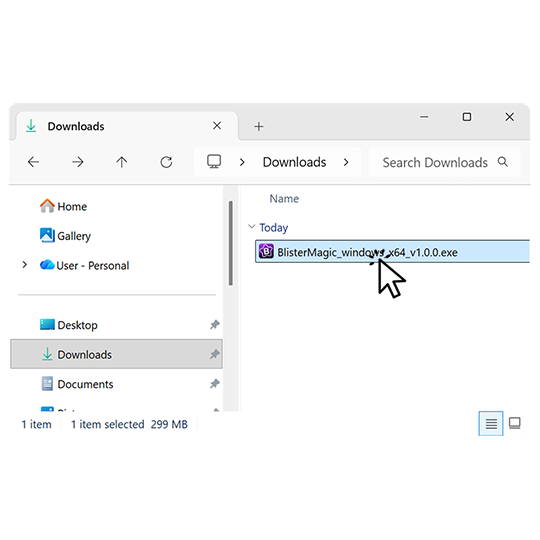
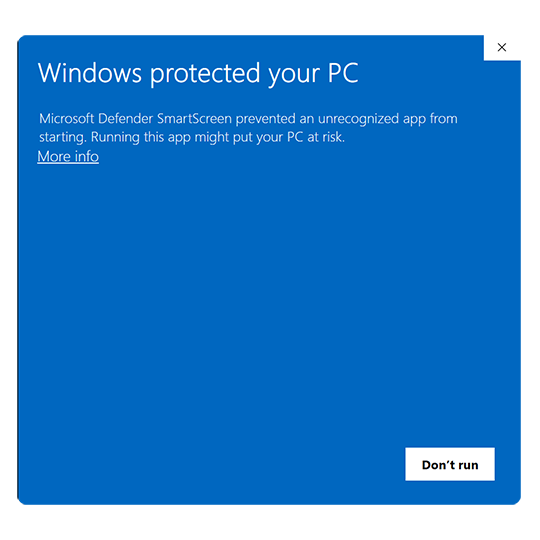
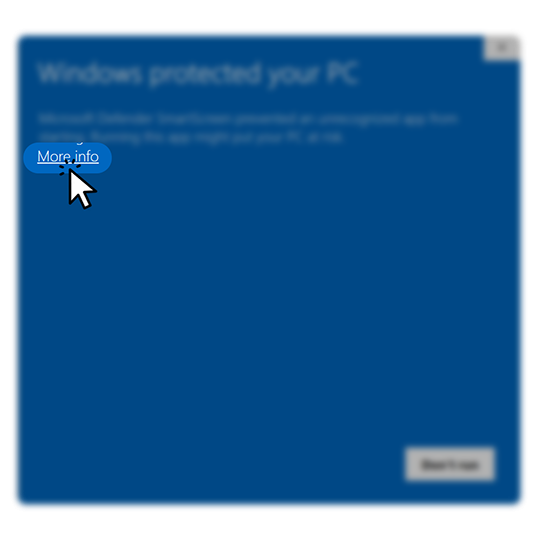
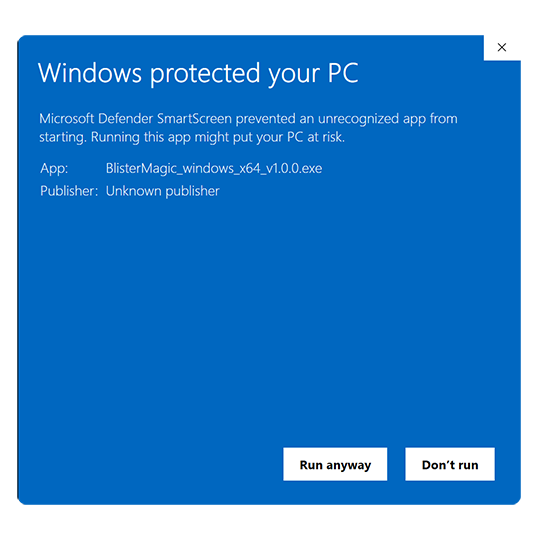
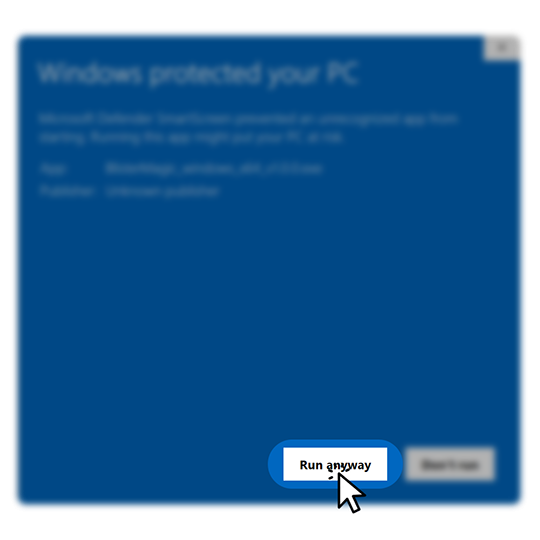
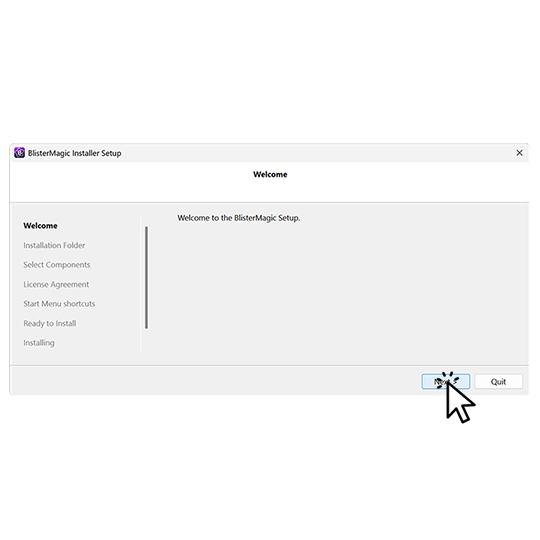
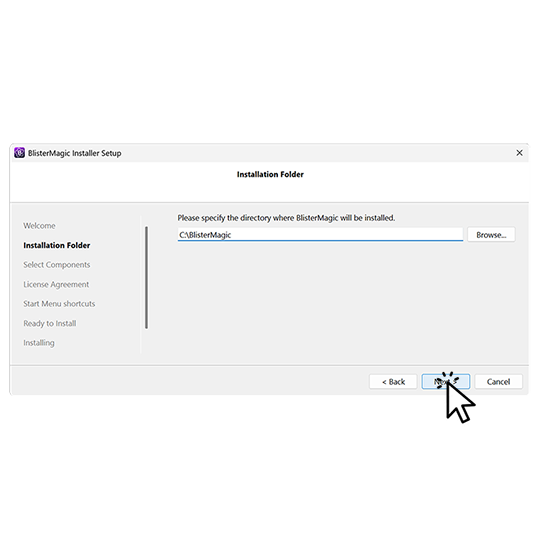
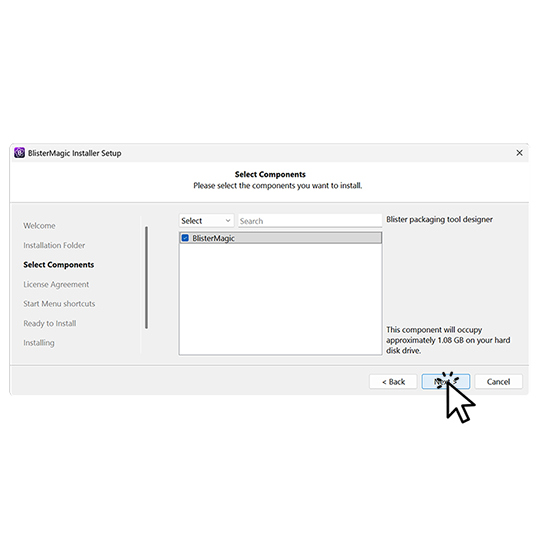
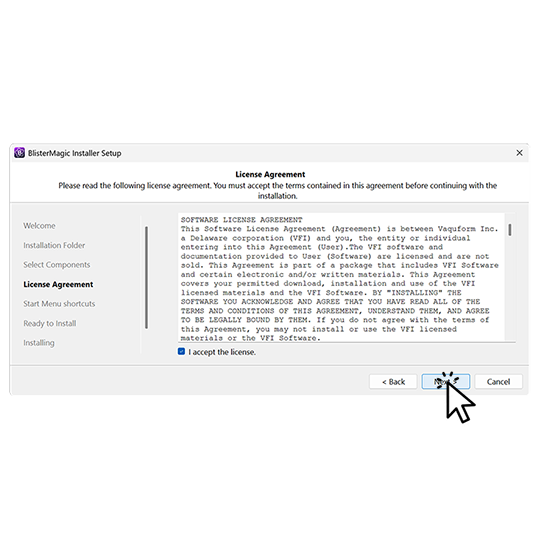
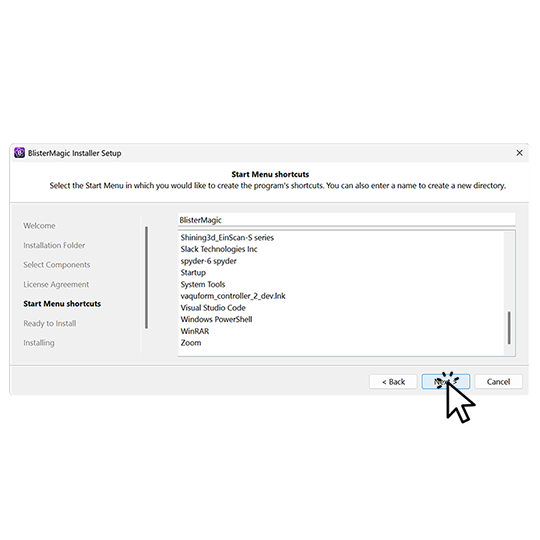
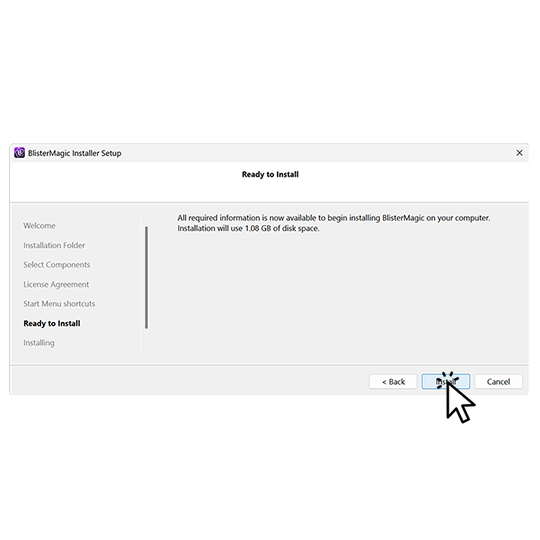
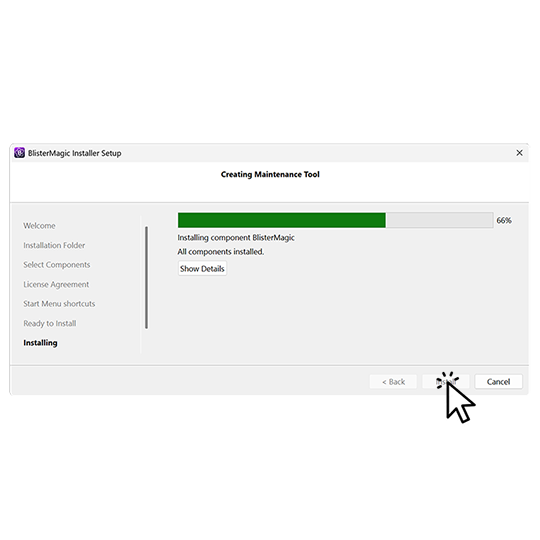
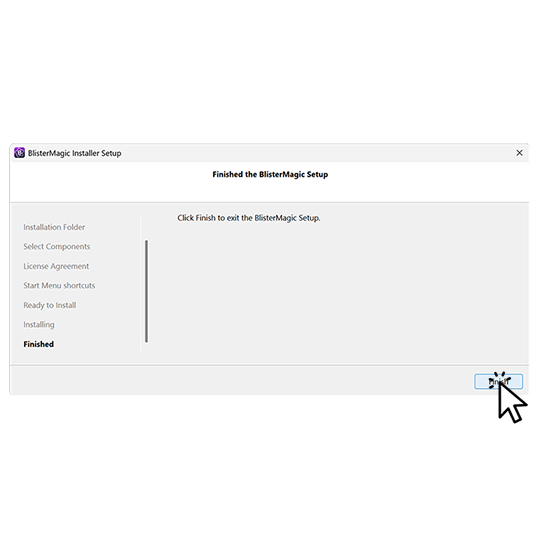
How to install Locate the installer in your download folder.When installing for the first time, this screen might appear.Don't be alarmed. Click 'More info.'On the following screen, notice a second button.Click 'Run anyway.'The installer will launch. Click 'Next.'Choose where to install or accept the default folder.Click 'Next.'Read the terms, accept, and click 'Next.'A shortcut will be added to the Start Menu and desktop. Next.With all the settings in place, click 'Install.'Wait for the installation to finish and click 'Next.'Click 'Finish' and launch Blister Magic from the Start Menu or desktop.